
ShotCue for Mac
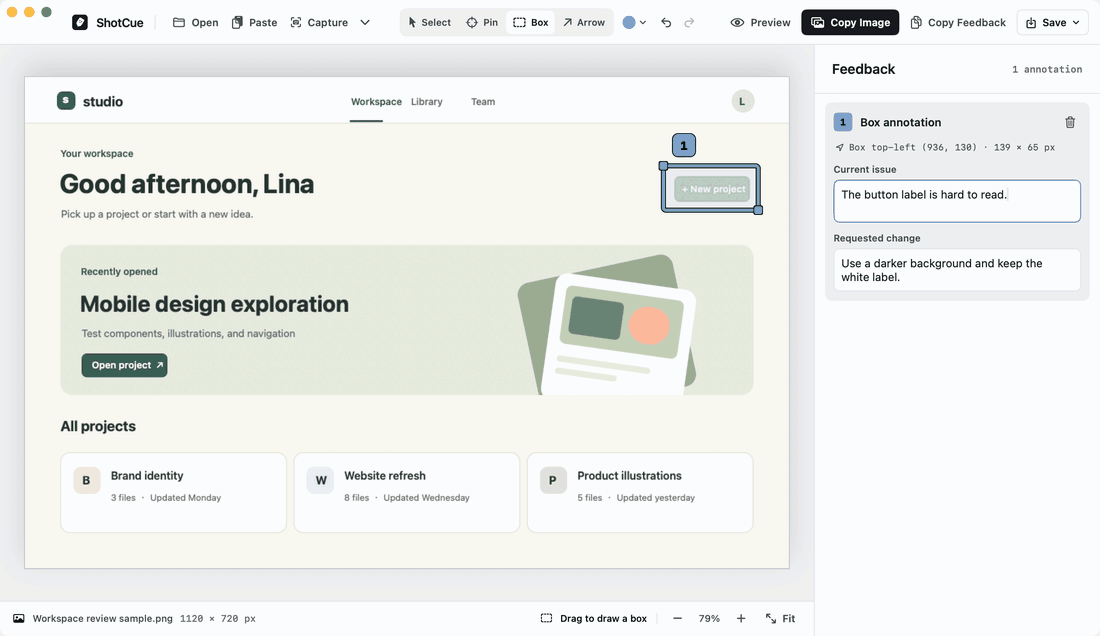
Capture a region of your screen, add numbered annotations, and export your feedback from your Mac.
Apple silicon · macOS 14 or later
Install
- Unzip the download and drag ShotCue.app into your Applications folder.
- Open ShotCue and choose your language. When you capture a region, grant screen recording access if prompted.
macOS may block the first launch because the app is not notarized. Apple’s instructions